Building useful websites
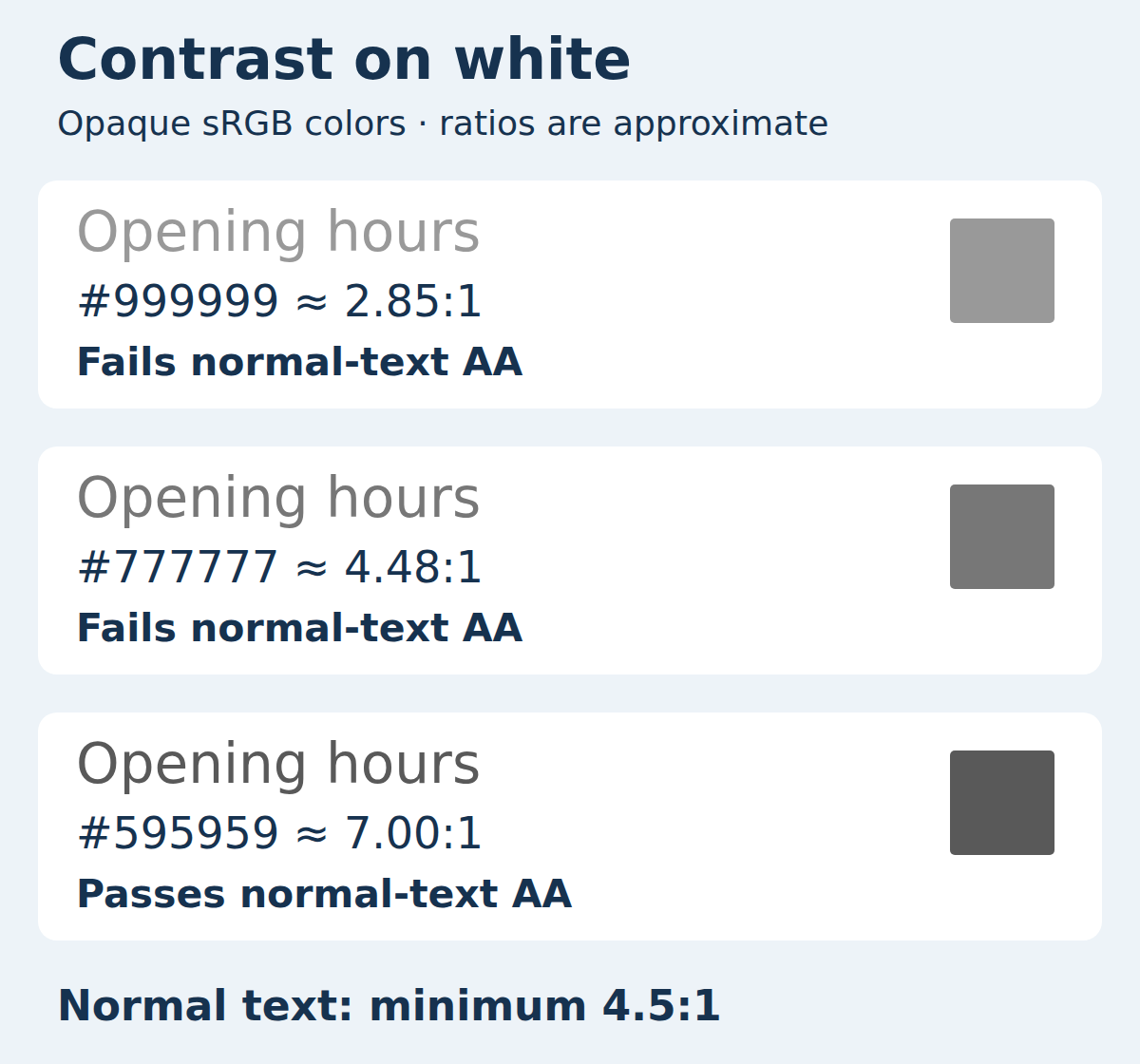
Text too faint? Check and fix color contrast
Check faint website text without writing code. Worked color pairs explain WCAG AA, large text, transparency and why a rounded 4.50 can still fail.
Read the guide →Useful ideas. Room to explore.
Building useful websites
Check faint website text without writing code. Worked color pairs explain WCAG AA, large text, transparency and why a rounded 4.50 can still fail.
Read the guide →Building useful websites
Separate an unpublished change from browser, CDN and service-worker caching. Use a version marker, response checks and a tested old-CSS example.
Read the guide →Building useful websites
Diagnose a missing RSS update or failed subscription with six controlled examples: wrong response, XML escaping, item IDs, time zones and feed discovery.
Read the guide →Building useful websites
Diagnose ERR_TOO_MANY_REDIRECTS with a browser trace and curl GET: separate loops, long chains, cookies and proxy HTTPS conflicts.
Read the guide →Building useful websites
Find the element making a page wider than a phone. Fix image, text and flex or grid sizing, keep tables usable, and retest without hiding missing content.
Read the guide →Building useful websites
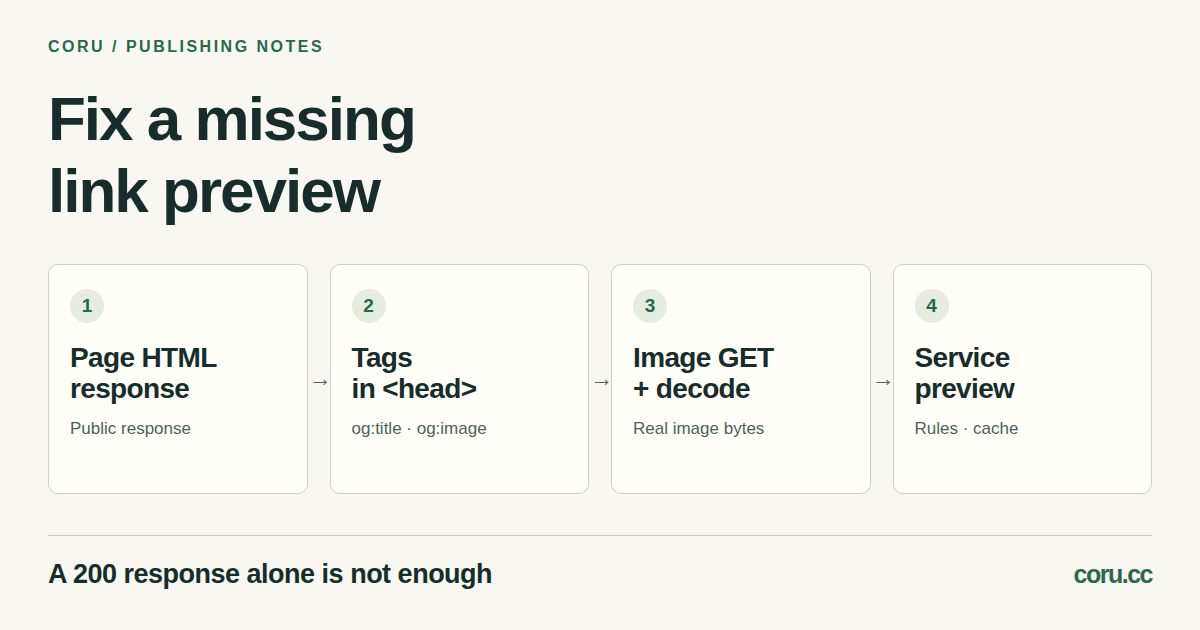
Diagnose a missing or wrong link preview: inspect Open Graph tags, image GET responses, duplicate metadata and service caches with six tested examples.
Read the guide →Building useful websites
Use Tab, Shift+Tab, Enter, Space and Escape to find missing controls, invisible focus and keyboard traps. Includes a before-and-after example and test record.
Read the guide →Building useful websites
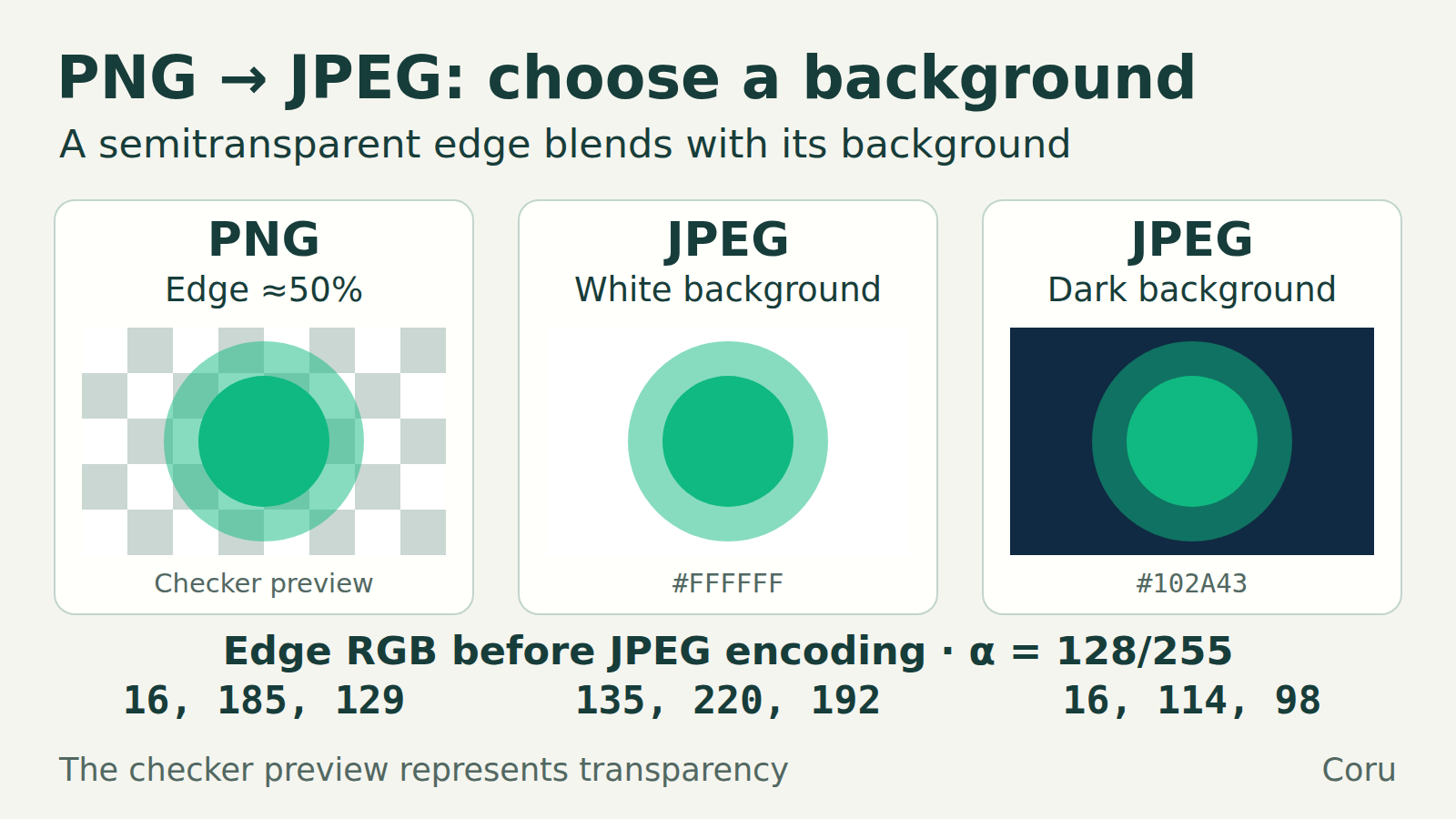
Fix an unexpected PNG-to-JPEG background. Check transparency, choose a solid matte and compare a tested Pillow conversion with palette and RGBA examples.
Read the guide →Building useful websites

Diagnose one website image with a pixel-width calculation, a tested srcset example and a browser checklist. Separate download size, sharpness and layout shifts.
Read the guide →Building useful websites
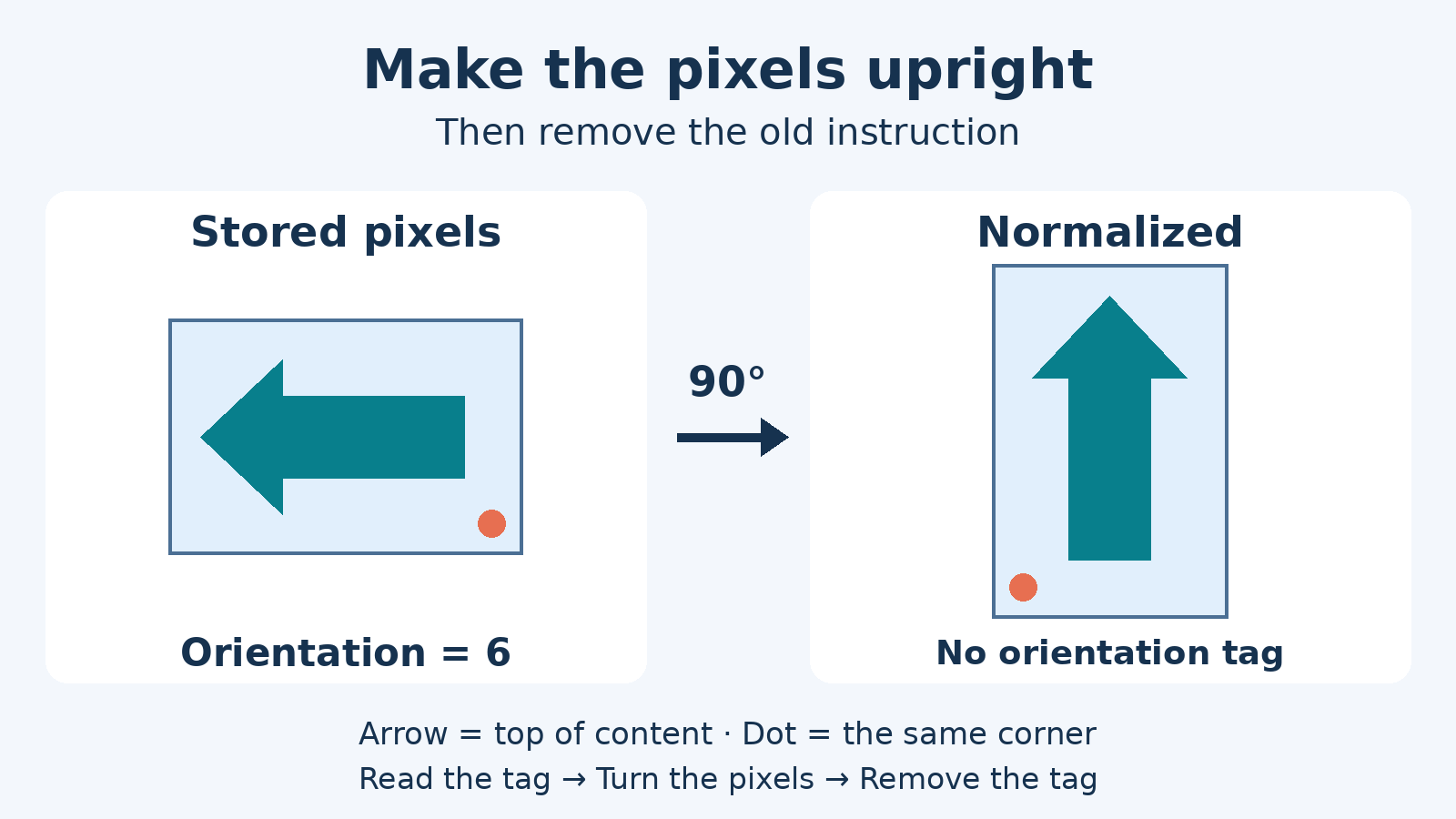
Fix a photo that turns sideways after upload. Check stored pixels and EXIF orientation, avoid double rotation, and normalize JPEG to PNG with a tested script.
Read the guide →Building useful websites
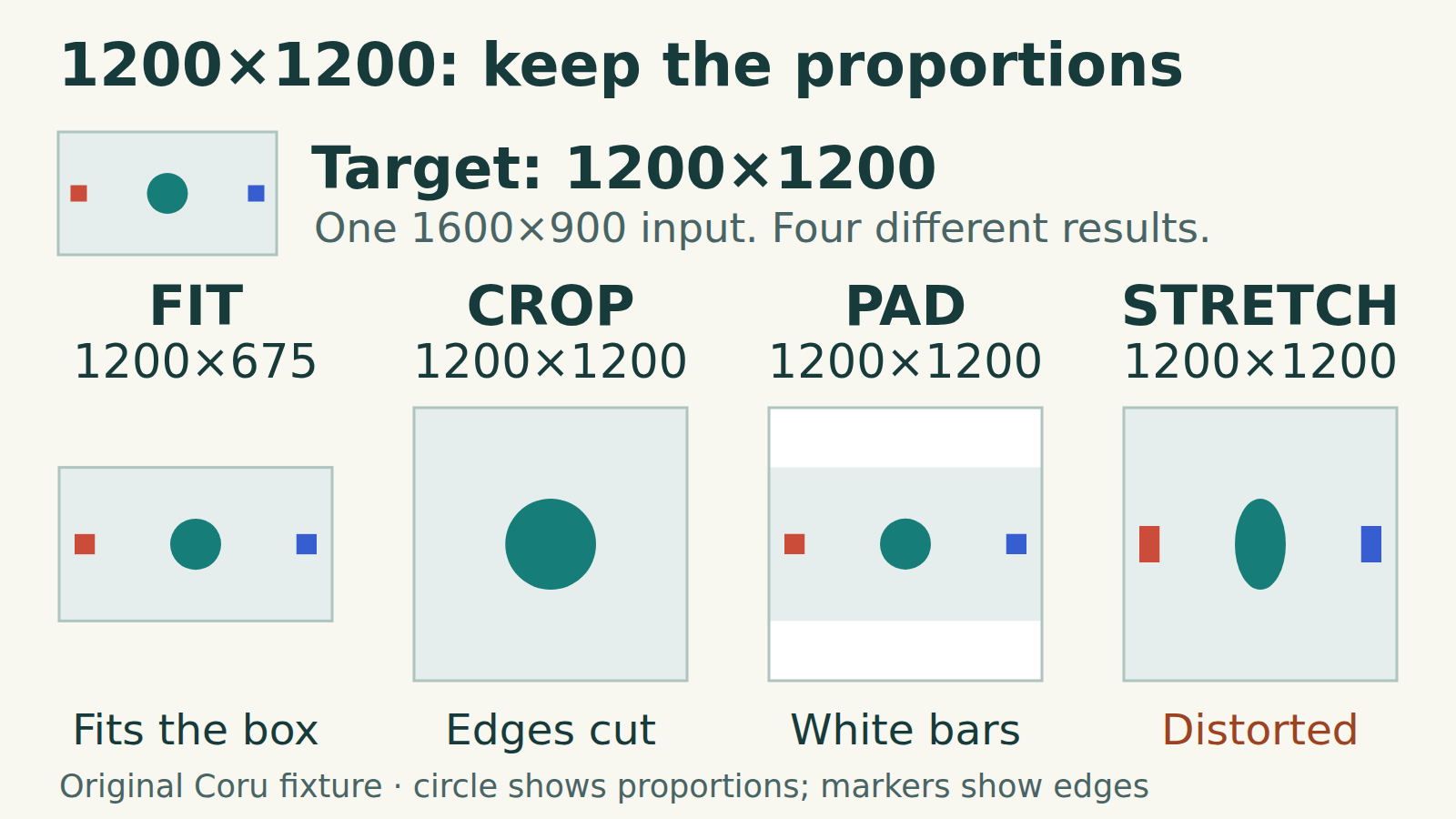
Turn a wide image into a square without squashing it. Compare crop, padding and proportional resize with an original circle-and-edge test and local ImageMagick commands.
Read the guide →Building useful websites
Choose useful alt text for photos, image links, screenshots and charts. Six worked examples, a reusable review card and a short practice question.
Read the guide →Building useful websites
Check a missing URL in your browser and with curl. Distinguish the document status, redirects and visible error page, then choose the right repair.
Read the guide →Building useful websites
Choose heading levels with a worked repair-café example. Check a bold fake heading against a real H2 and use a short publishing checklist.
Read the guide →Building useful websites
A practical Search Console checklist for a missing page: crawl access, noindex, canonical URLs and waiting states, with two worked examples.
Read the guide →Building useful websites
Test a contact form from the visitor’s message to the private inbox, including phone layout, errors, lost connections and safe retries.
Read the guide →Building useful websites
Find why a website picture is missing: check its actual URL, HTML fallback, filename case, responsive candidate and CSS with a tested diagnostic path.
Read the guide →Building useful websites
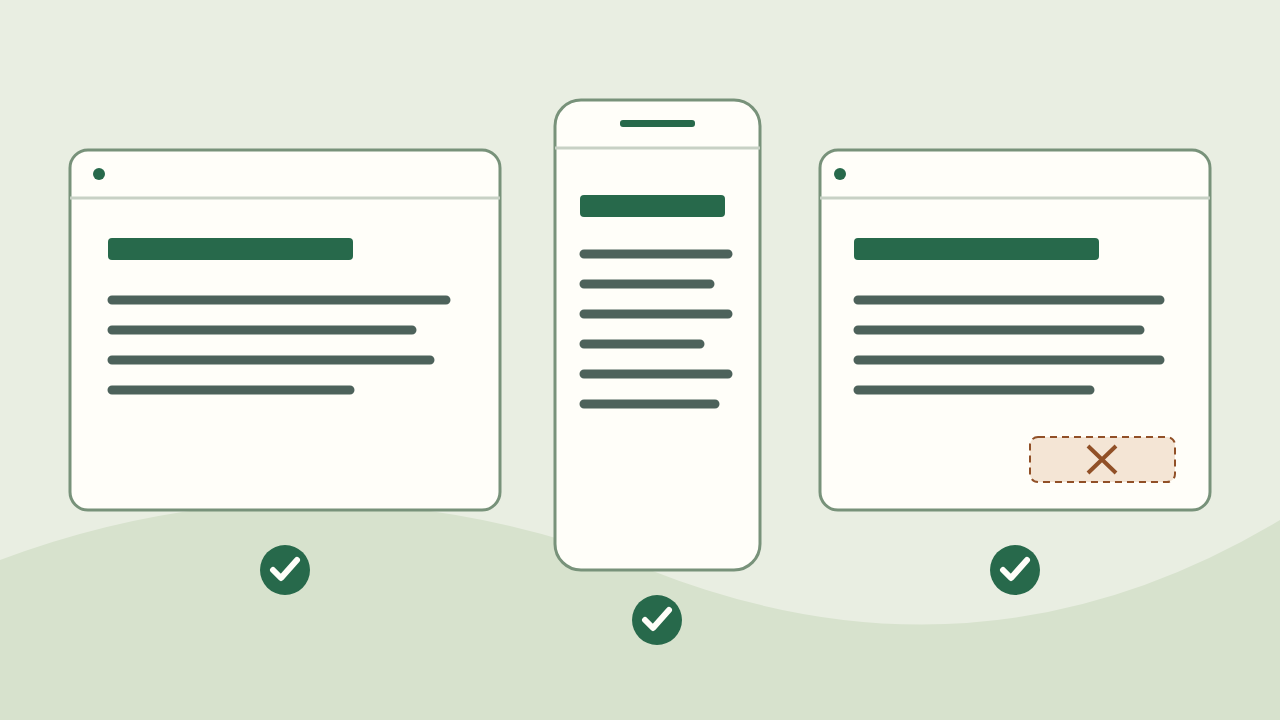
A practical three-pass checklist for keeping a useful page readable on a phone, without scripts, and after its links change.
Read the guide →Building useful websites
A short practical check for a page's purpose, controls, address, language links and rollback plan.
Read the guide →Building useful websites
Three fictional repair-club examples show how to name a link’s destination, distinguish next steps and avoid promising the wrong page.
Read the guide →